
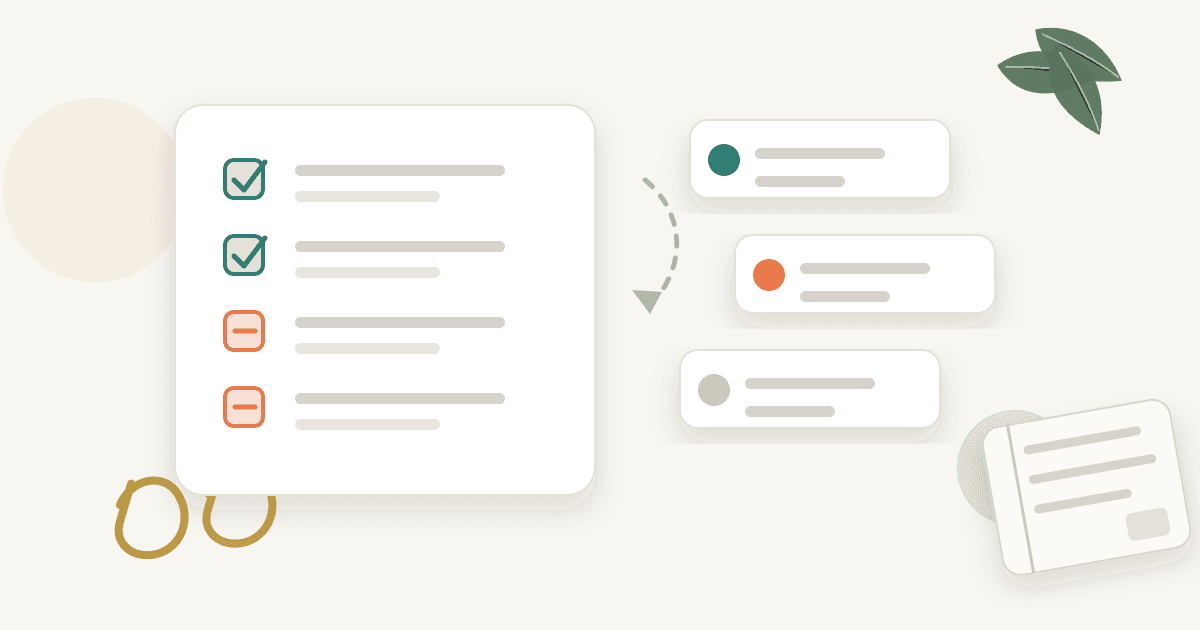
Installing a new todo app feels productive at first.
You add tasks, assign dates, create projects, and organize the week. The list looks clean for a few days.
Then the list starts to slip. Yesterday's tasks move into today. New tasks appear. This week's work becomes next week's work. Eventually opening the app feels heavier than doing the work, so you stop opening it.
The problem is not always the app. Todo apps are good at storing tasks, especially small admin work.
But goal work needs a little more context: why a task matters, when it should be adjusted, and how it comes back into view when you stop opening the list.
Most todo apps are pull-based
Most todo apps work after you open them. You open the app to see the list, change priorities, and clean up overdue work.
That works when you already have the energy to manage the system. It is weaker when goals are slipping.
On busy days, you do not open the app. When you do not open it, tasks quietly pile up. When they pile up, opening the app becomes harder.
The todo app becomes a backlog instead of an execution system.
Large tasks stay stuck
If the task is not actionable, the app cannot fix it.
work on side project
write blog post
exercise
study English
These look like tasks, but they are closer to small goals. They still require many decisions before you can begin.
Better tasks have a starting point and a visible endpoint.
Tuesday: read five competing posts and note title patterns
Thursday: revise three onboarding lines
Saturday: walk for 30 minutes
Before changing apps, shrink the task.
If you need a practical way to do that, start with how to break down goals into actionable tasks.
Without goal context, priorities blur
If every task sits in the same list, urgent and easy items tend to win.
Revise landing-page copy, draft blog outline, exercise, and reply to email may all appear equal. But some move long-term goals, while others are routine maintenance.
A better system shows which tasks connect to which goals.
Goal: launch side project
- Tuesday: write three landing-page CTA options
- Thursday: contact two user interview candidates

Goal: build content routine
- Wednesday: draft blog outline
Now priority is easier to see.
The todo list did not disappear. It gained context.
Missed tasks need rules
Completion is the easy part. Missed work is harder.
When a task is missed, you can:
- move it to tomorrow
- remove it from the week
- break it into a smaller action
- reduce the goal scope
- extend the deadline
Many people only move the date. Then the same task slips again.
Missed work is information. It tells you whether the task was too large, the week was too full, or the goal is not actually a priority right now.
If the same task keeps slipping, use a smaller restart process instead of dragging the whole backlog forward: how to get back on track with goals.
A better todo system
Ask:
1. Is each task connected to a goal?
2. Does each task have a date and completion condition?
3. Does the task come back into view without you opening the app?
4. Is there a rule for reducing or moving missed work?
Without these rules, any app can become a prettier backlog.
A better system is less about the app name and more about the loop:
goal
-> small dated task
-> today reminder
-> completed/missed record
-> adjusted next plan
How Aimo changes the pull problem
Aimo is less about replacing every todo app and more about fixing the part where the list only works after you remember to open it.
When you declare a goal in Discord, Aimo turns it into near-term tasks. Each task carries a date and a reason for existing.
Then Aimo brings today's tasks into Discord instead of waiting for you to open a dashboard. You can record completed and missed work in the same conversation.
If work slips, the next plan can change instead of simply pushing the same task forward. That is what turns a task list from storage into an execution loop.
Summary
Todo apps often fail not because they lack features, but because they rely on pull, contain oversized tasks, lose goal context, and lack rules for missed work.
Good task management is not just storing a list. It is getting the right action back in front of you and adjusting when reality changes.